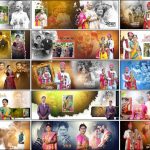
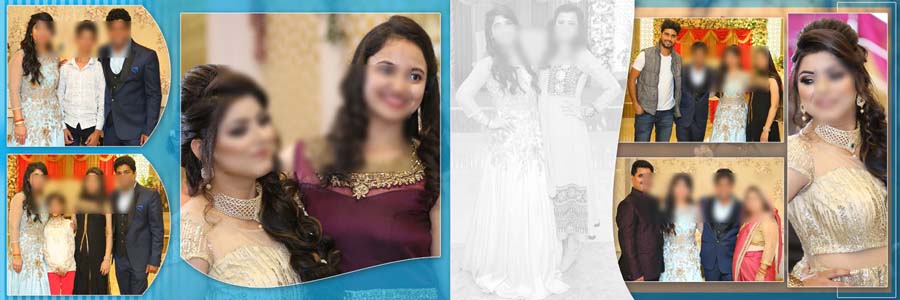
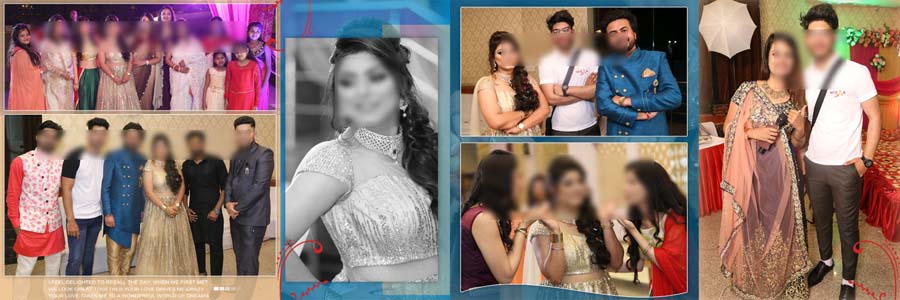
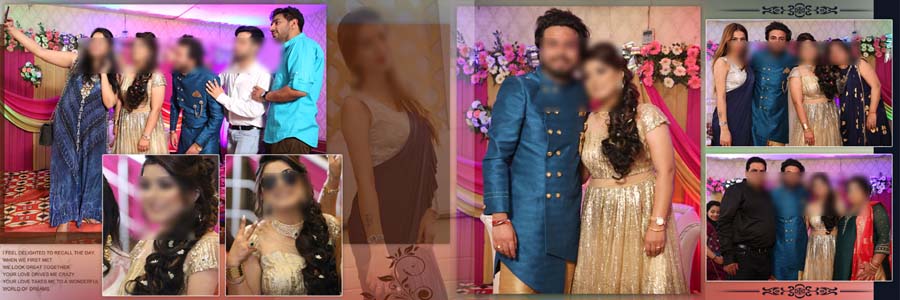
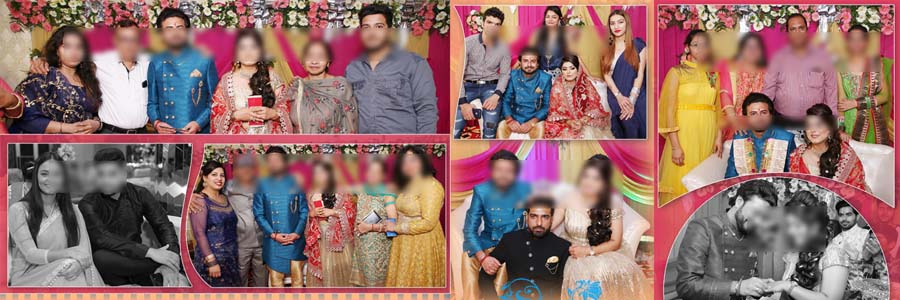
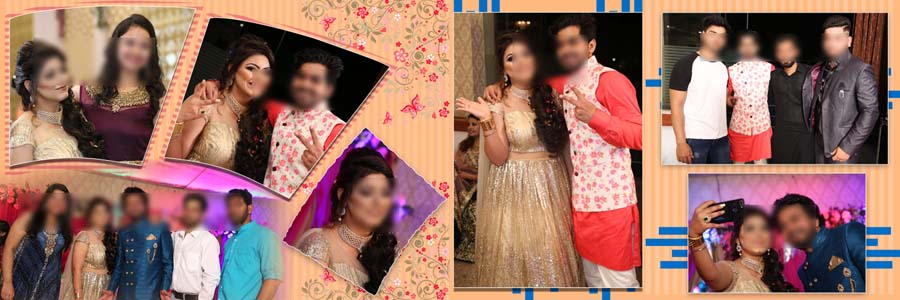
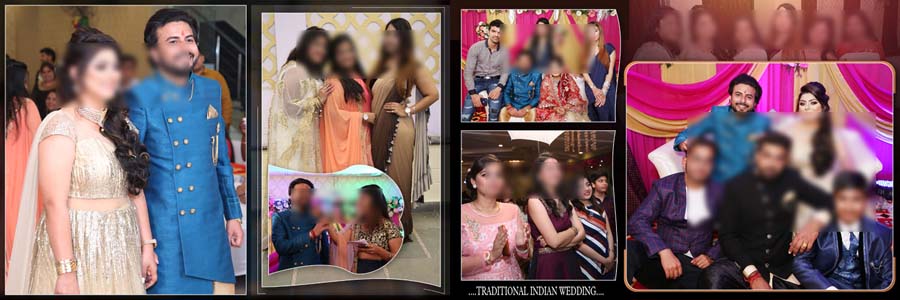
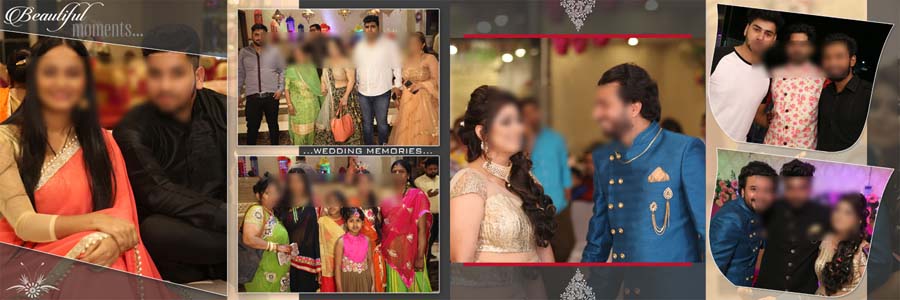
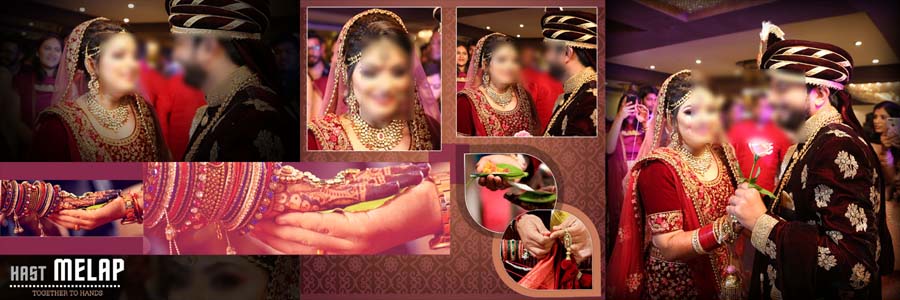
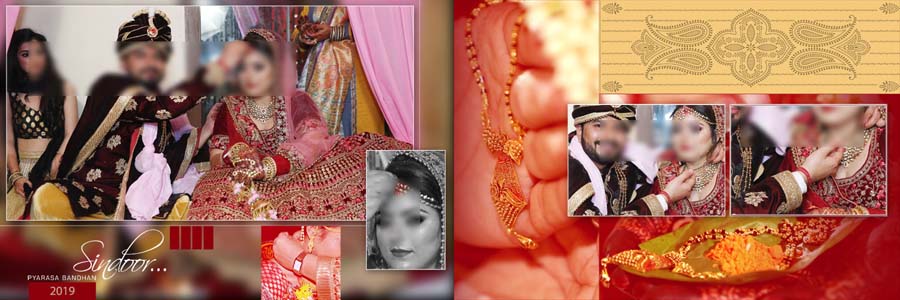
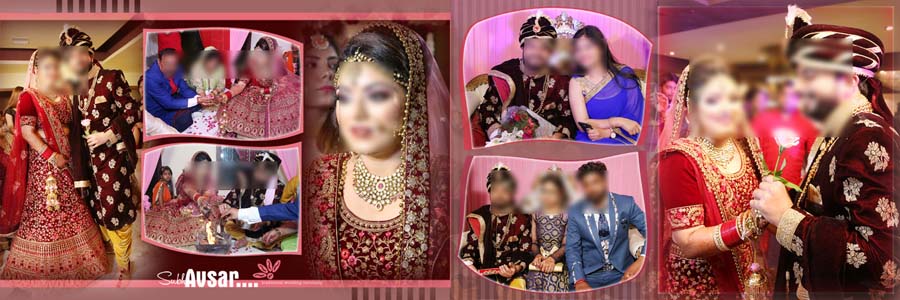
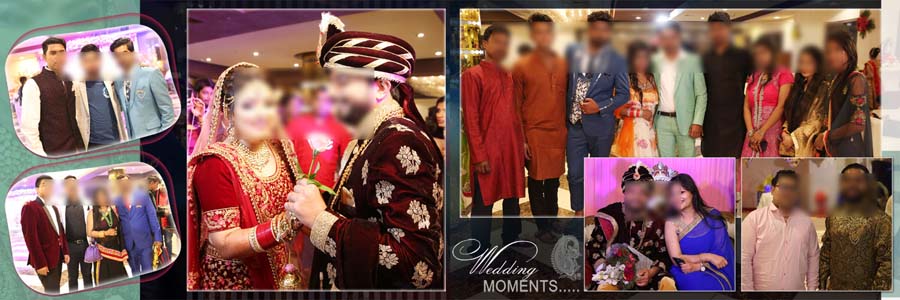
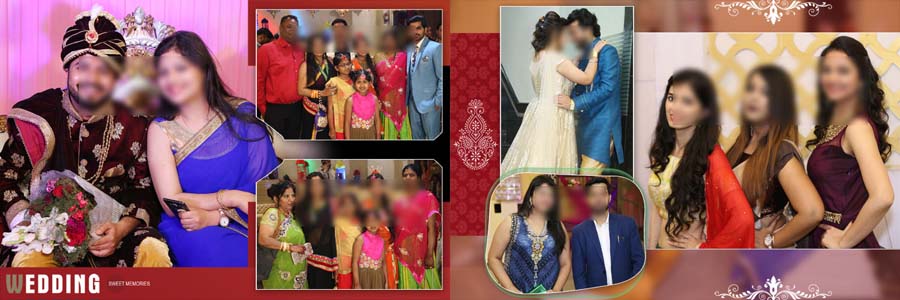
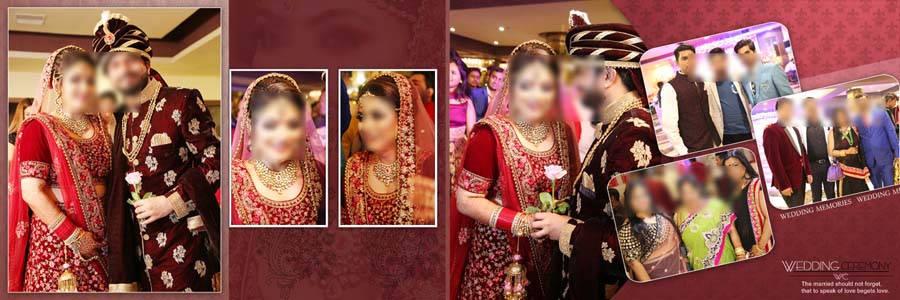
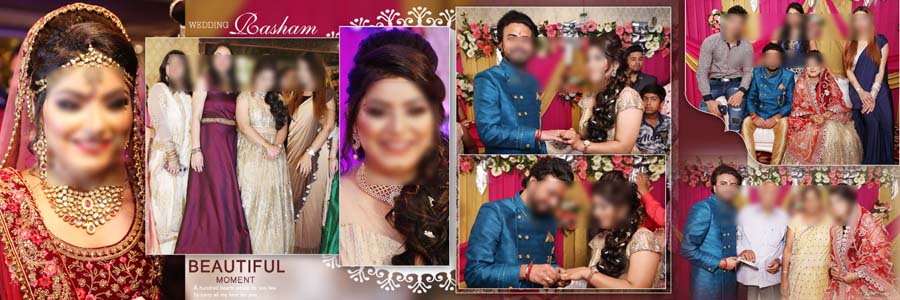
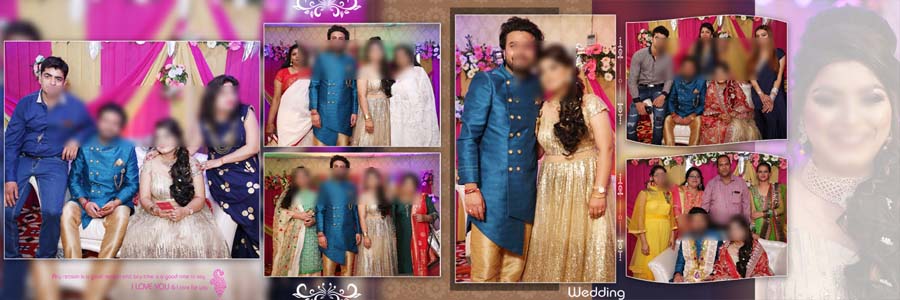
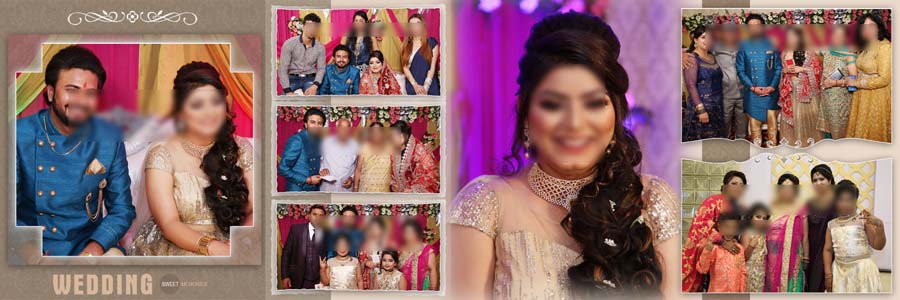
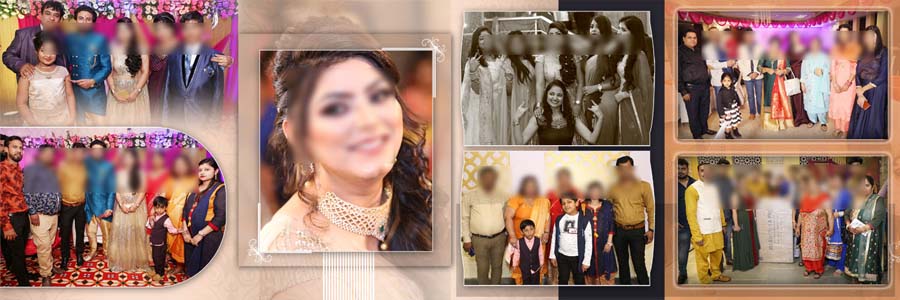
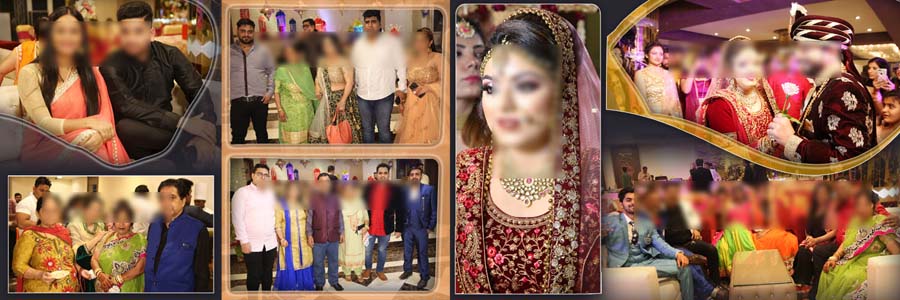
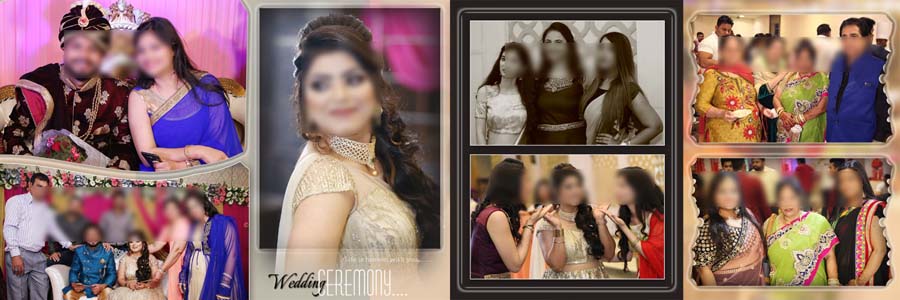
If you are looking for ready-made album layouts for family wedding photos, this 20 Best 12×36 Wedding Album PSD For Family Photos pack can save you a lot of design time. The collection includes professionally designed PSD sheets that are suitable for wedding ceremonies, family portraits, engagement events, reception photography, and group photos. Instead of creating every album page from scratch, you can simply replace the photos and customize the design according to your project. You can also check our Wedding Album Design Collection for more album templates and design ideas.
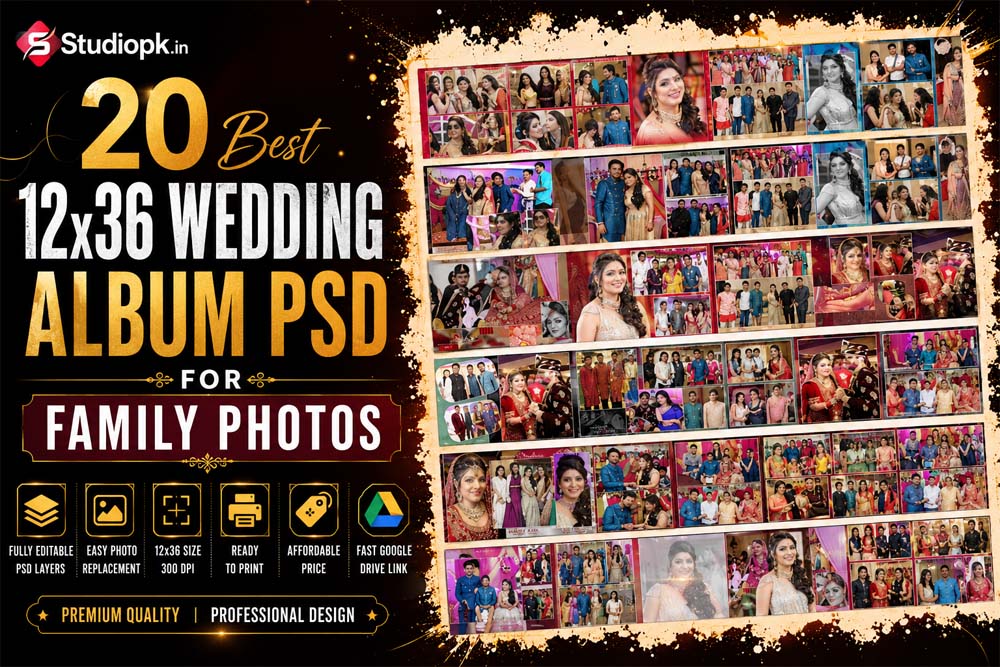
12×36 Wedding Album PSD Templates for Family Photography
These 12×36 Album PSD templates are designed for photographers, album designers, and studio owners who want to create quality wedding albums without spending too much time on layout work. Every PSD file comes with organized layers and editable elements, making customization simple in Adobe Photoshop. You can easily replace photos, adjust text, and make changes to match your client’s requirements.
The layouts are suitable for different types of wedding photography, including family group photos, couple portraits, traditional wedding moments, engagement pictures, and reception shots. If you also need matching cover designs for your projects, you can browse our Wedding Album Cover PSD Designs. These templates help you complete album projects faster while maintaining a clean and professional look.
You Can Also Get More PSD:
- Traditional Wedding Album 12×36 Inner Design PSD
- Editable Indian Wedding Album Layouts For Designers
- Wedding Photo Album Design PSD Collection
- Indian Wedding Reception Album Design PSD
- Traditional Indian Wedding Album Design PSD
- Indian Group Photo Album PSD Designs
Many photographers prefer 12×36 album layouts because they provide enough space for large portraits, family photos, and creative photo arrangements. This collection includes a variety of layouts that can be used for both traditional and modern wedding albums. Whether you are designing albums for clients or creating personal projects, these PSD templates can help you finish the work quickly and keep your album pages well organized.

How to Customize 12×36 Wedding Album PSD Templates
These PSD templates are fully editable in Adobe Photoshop, making it easy to create a personalized wedding album for your clients. All layers are organized properly, so you can quickly replace photos, edit text, and adjust design elements without affecting the original layout. Even if you have basic Photoshop knowledge, you can customize the album pages and prepare them for printing in a short time.
- Open the PSD file in Adobe Photoshop.
- Select the photo layer or smart object you want to edit.
- Double-click the smart object layer to open it.
- Place your photo inside the smart object window.
- Resize and position the image as needed.
- Save the smart object and return to the main PSD file.
- Edit names, dates, or other text elements if required.
- Customize colors and design elements to match the wedding theme.
- Review the final layout and make any necessary adjustments.
- Export the album page as a high-quality JPG or TIFF file for printing.