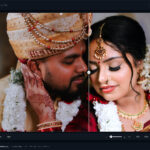
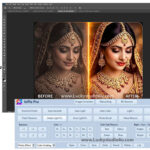
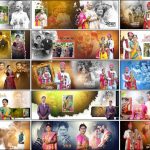
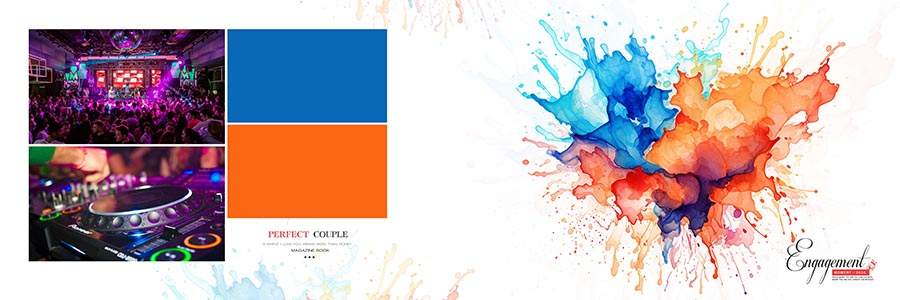
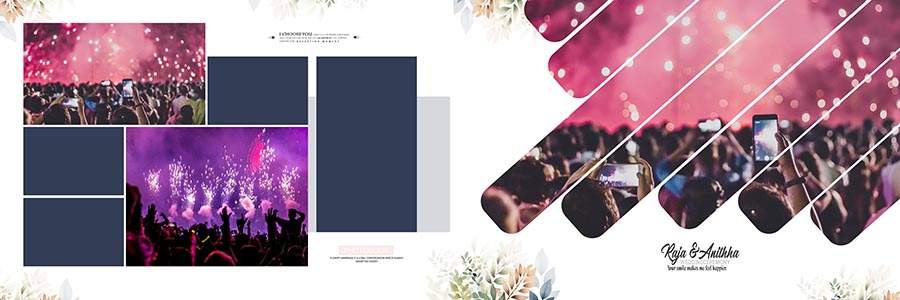
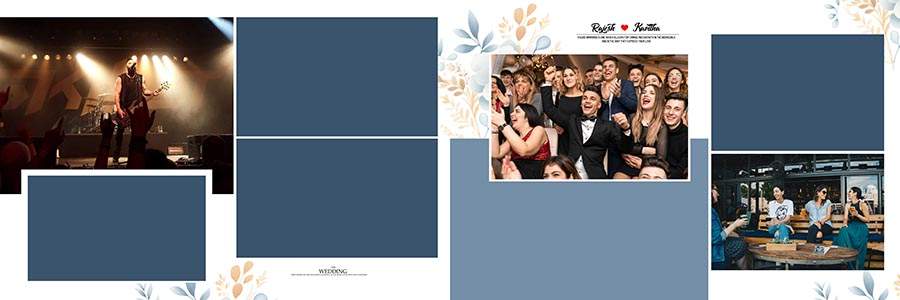
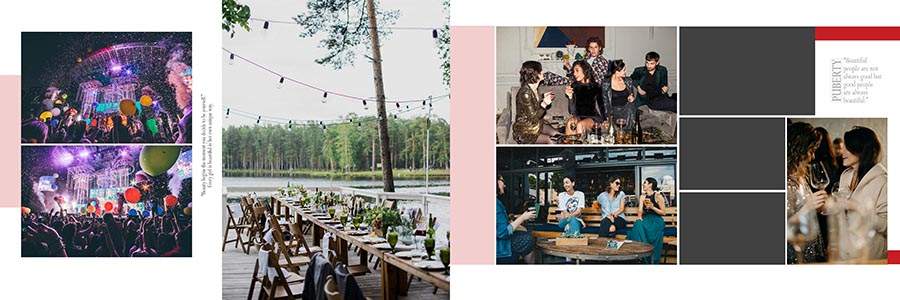
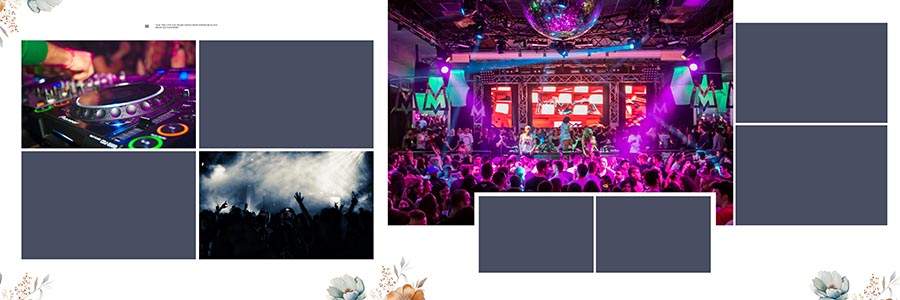
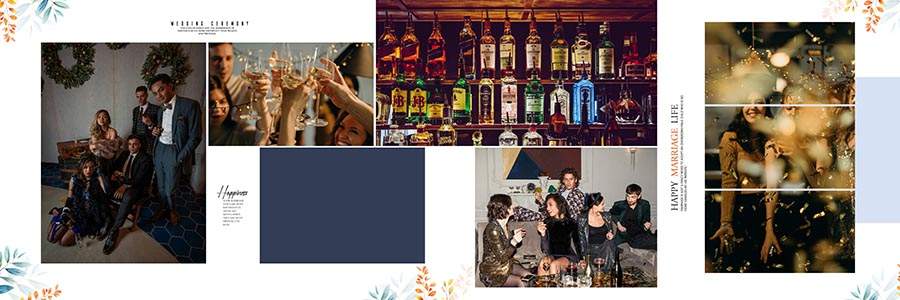
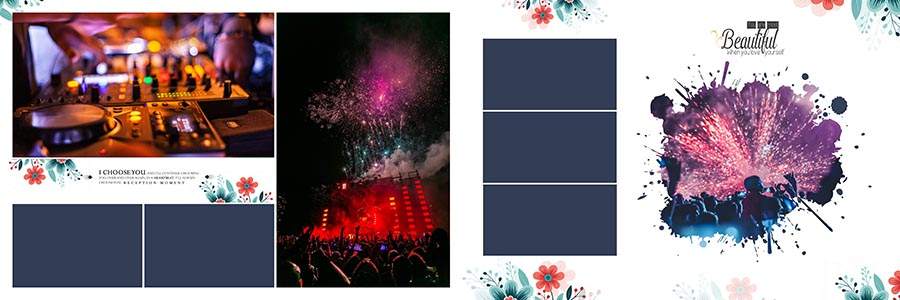
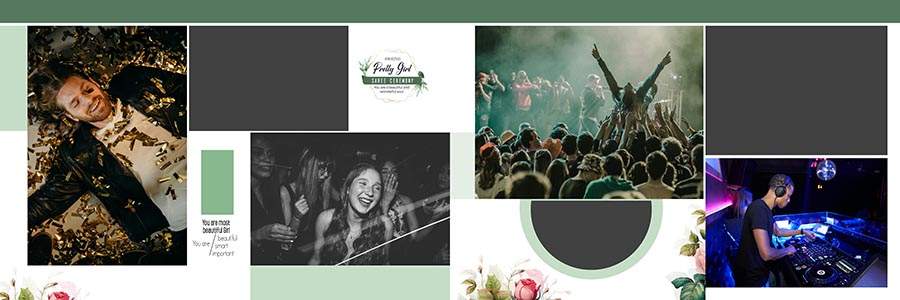
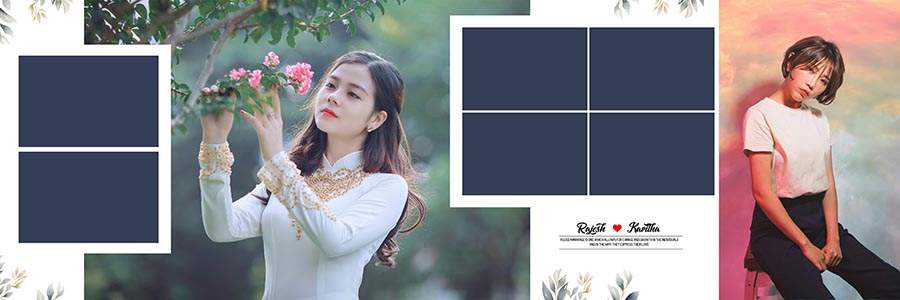
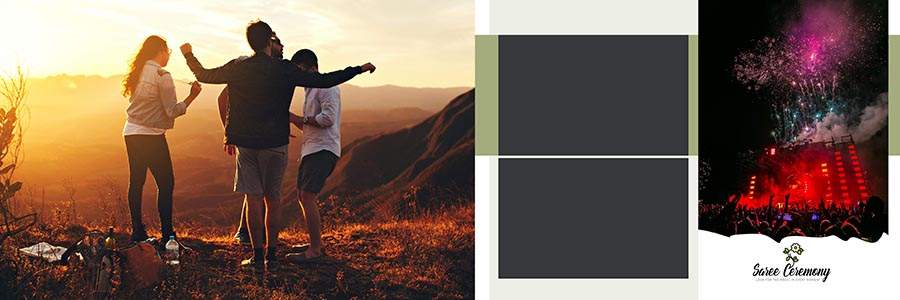
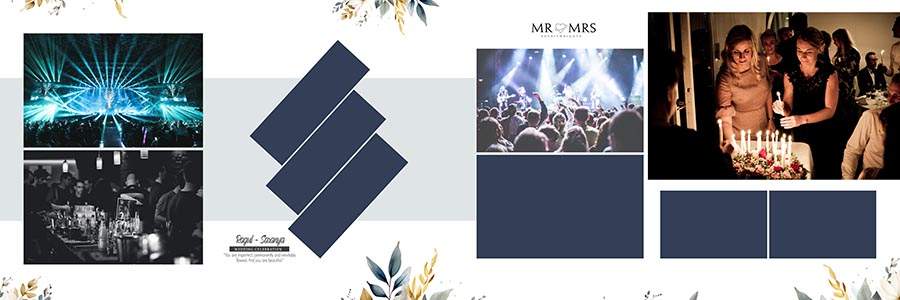
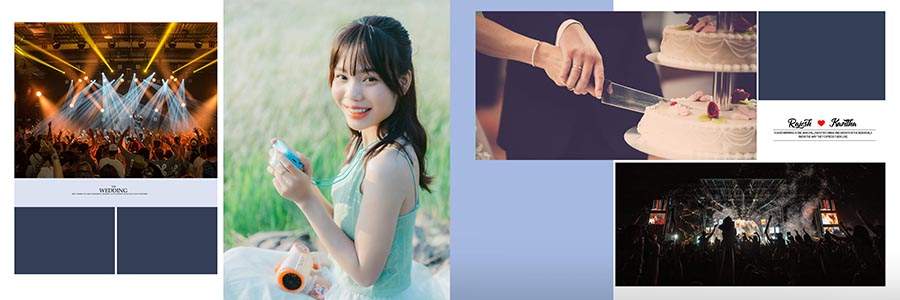
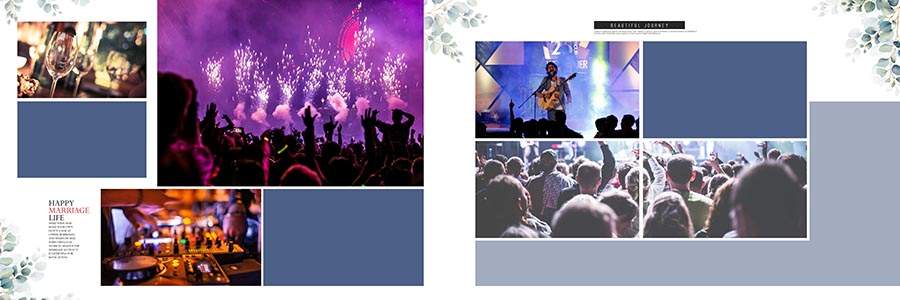
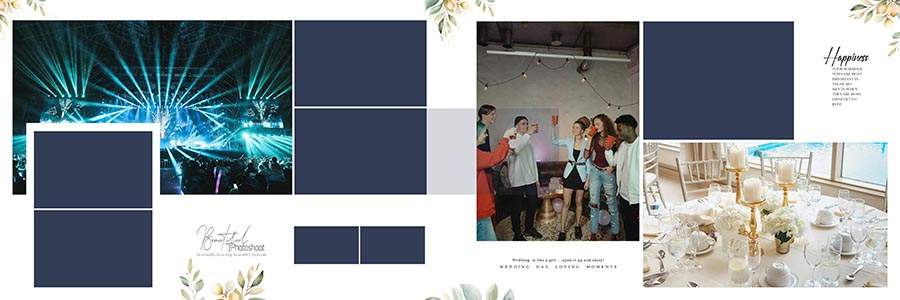
If you are looking for modern and professionally designed wedding album layouts, then this collection of 20 Latest 12×36 Album PSD Templates Free Download is a perfect choice for photographers and album designers. In this post, I am sharing twenty premium-quality album PSD templates completely free for download. These beautiful layouts are specially created to help you design attractive wedding albums while saving valuable editing time and maintaining professional quality. Every template comes in the popular 12×36 size and is prepared in high-resolution 300 DPI quality to ensure excellent printing results. Before downloading, you can preview the JPG demo images provided below to check the overall design style and layout quality. If you like the templates, simply click the Download Now button and get the complete PSD package for free. You can also explore our collection of Wedding Album Design PSD Templates for more creative wedding album resources and professionally designed layouts.
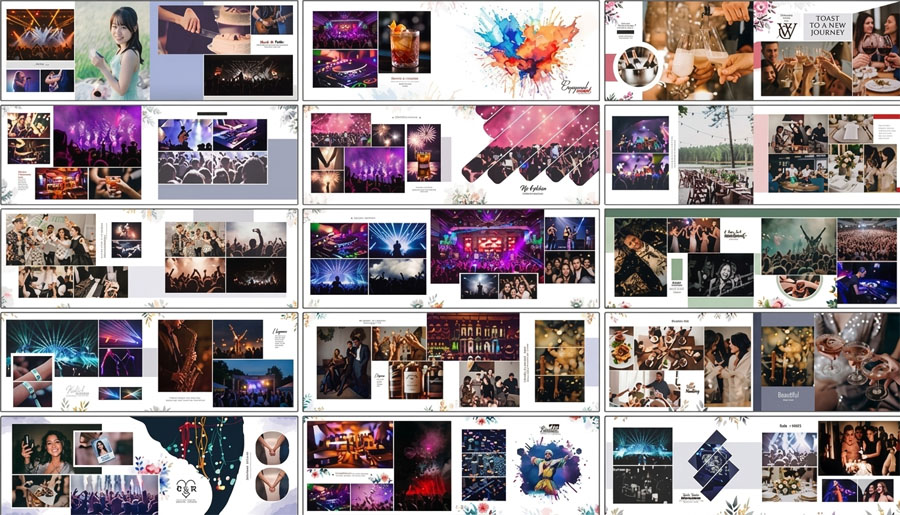
20 Latest 12×36 Album PSD Templates Free Download
These 20 Latest 12×36 Album PSD Templates are carefully designed to help photographers create premium wedding albums without spending hours building layouts from scratch. Every PSD template features elegant photo placements, decorative wedding elements, modern backgrounds, and balanced compositions that beautifully highlight wedding memories. Whether you are working on wedding, barat, reception, engagement, or pre-wedding photography projects, these templates provide a professional solution that saves time while improving workflow efficiency. The PSD files are fully layered and properly organized, making customization simple for both beginners and experienced designers. Their print-ready format and creative design style make them suitable for professional photography businesses. If you need additional designs in the same format, you can browse our collection of 12×36 Album PSD Templates featuring many modern and attractive wedding album layouts.
All PSD templates included in this package are completely editable and offer maximum flexibility for photographers and designers. You can easily replace photos, edit text, modify colors, adjust backgrounds, and customize decorative elements according to your project requirements. The high-resolution 300 DPI quality ensures sharp details and vibrant colors after printing. These templates help photographers improve productivity while delivering professional-quality wedding albums to clients. To complete your project with a matching and attractive cover design, you can also explore our collection of Wedding Album Cover Designs, where you will find elegant album cover templates suitable for different wedding themes and photography projects.






How to Customize 20 Latest 12×36 Album PSD Templates
- Download the PSD templates and open them in Adobe Photoshop.
- Locate the well-organized layer groups to easily access every design element.
- Replace the sample images with your own wedding photographs using Smart Objects or Clipping Masks.
- Edit the text layers to add client names, event details, or custom captions.
- Modify colors, backgrounds, and decorative elements to match your preferred album theme.
- Adjust layouts and photo placements according to your project requirements.
- Use the properly labeled layers to make quick edits without affecting the overall design structure.
- Customize each sheet creatively while maintaining a professional and print-ready appearance.
- Save the final design in high-resolution format for album printing and client delivery.
- Take advantage of the flexible PSD structure to create unique and personalized wedding album designs.
Conclusion
These 20 Latest 12×36 Album PSD Templates are an excellent resource for photographers and wedding album designers who want premium-quality layouts without spending extra time on design creation. Featuring elegant compositions, editable layers, and high-resolution 300 DPI quality, these templates simplify the album creation process while delivering outstanding results. Preview the JPG demo images below and, if you like the designs, download the complete PSD package using the Download Now button. Start customizing today and create memorable wedding albums with ease in Adobe Photoshop.